The Wellness Journal
Checking an appointment text before you click or pay
Published 13 November 2026
Wellness n Co Journal
An appointment reminder can arrive while you are busy, making a message about a changed time or payment easy to act on quickly. Before following an unexpected link, separate two questions: were you expecting a message, and have you independently checked who sent this one?
This guide applies general scam-prevention advice to appointment administration. It does not mean that a particular provider or message is fraudulent.
A familiar name is not enough
Scamwatch explains that phishing messages imitate trusted organisations and may use authentic-looking branding or urgency to obtain personal information. Its advice is to verify contact independently rather than through the message itself. Read Scamwatch’s phishing guidance.
For an appointment, a useful distinction is between the information you already hold and the new request. A date that matches your diary does not, by itself, verify a newly supplied payment destination.
Check through a separate route
If a message asks you to pay again, change bank details or urgently complete an unfamiliar form, pause. Open the provider’s official website yourself and use contact details found there. Do not use the suspicious message’s callback number to verify that same message.
You could ask: “I received a message about my appointment asking for an additional payment. Did your team send it, what is it for, and how can I confirm the payment method?” You do not need to include your medical history to ask an administrative question.
For Wellness n Co enquiries, start from the contact page you have opened independently. Confirm the actual arrangements with the team rather than assuming this article establishes a particular messaging or payment policy.
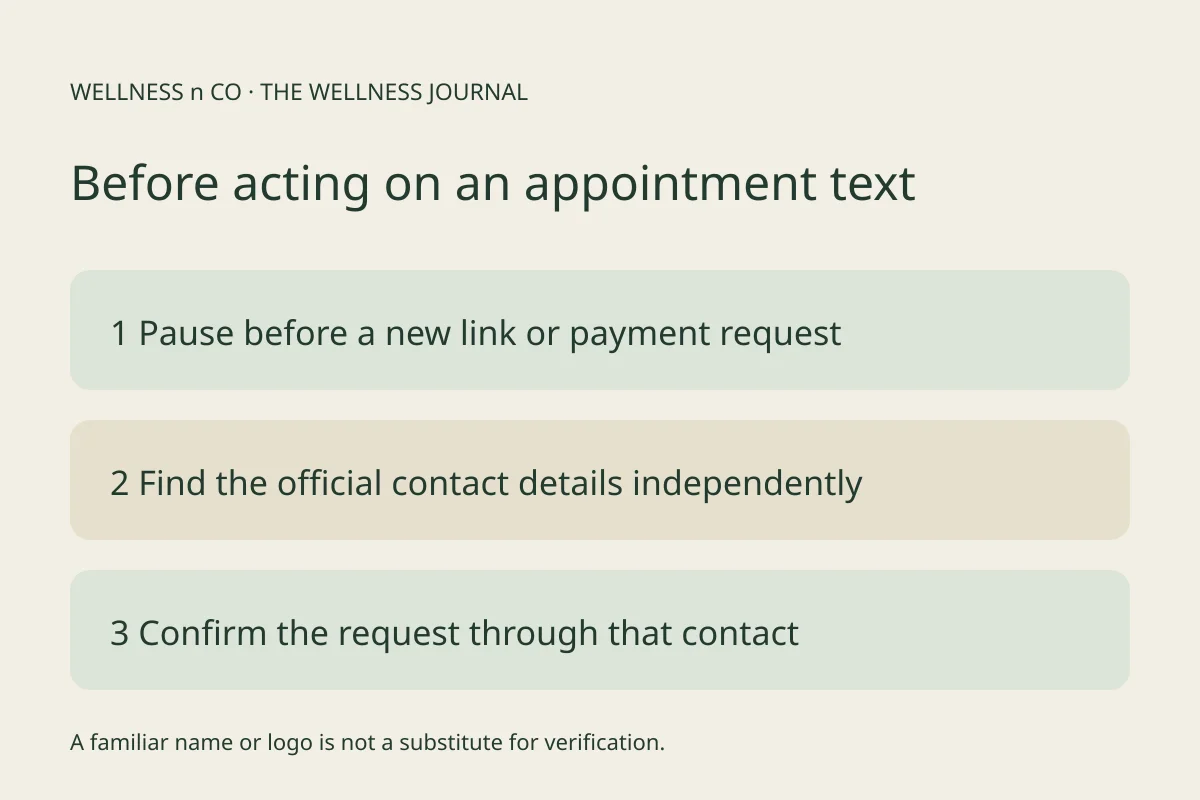
Look at what the message wants you to do
ACMA warns that scammers can copy logos, disguise phone numbers and make texts appear alongside genuine messages. Pressure to act immediately and unusual payment requests are warning signs. Its phone and SMS guidance recommends independently browsing to the organisation’s website or app when unsure.
- Does the message change something you had already agreed?
- Is it asking for information unrelated to confirming the booking?
- Does it pressure you to pay before you can verify the request?
- Can the provider explain the request through a separately verified contact?
These questions are prompts to check, not a test that proves a message safe. A polished message may still need verification.
If you have already responded
If money or banking information may have been compromised, contact your bank immediately. ACMA also directs people whose personal details have been stolen to IDCARE and recommends reporting scams to Scamwatch. Do not send passwords or authentication codes to someone who contacts you unexpectedly.
Keep the suspicious message available for a report, but avoid forwarding private details into a public comment or group chat. Once you have verified the sender, confirm whether the real appointment arrangements remain unchanged. Checking the message and checking the booking are separate tasks.